


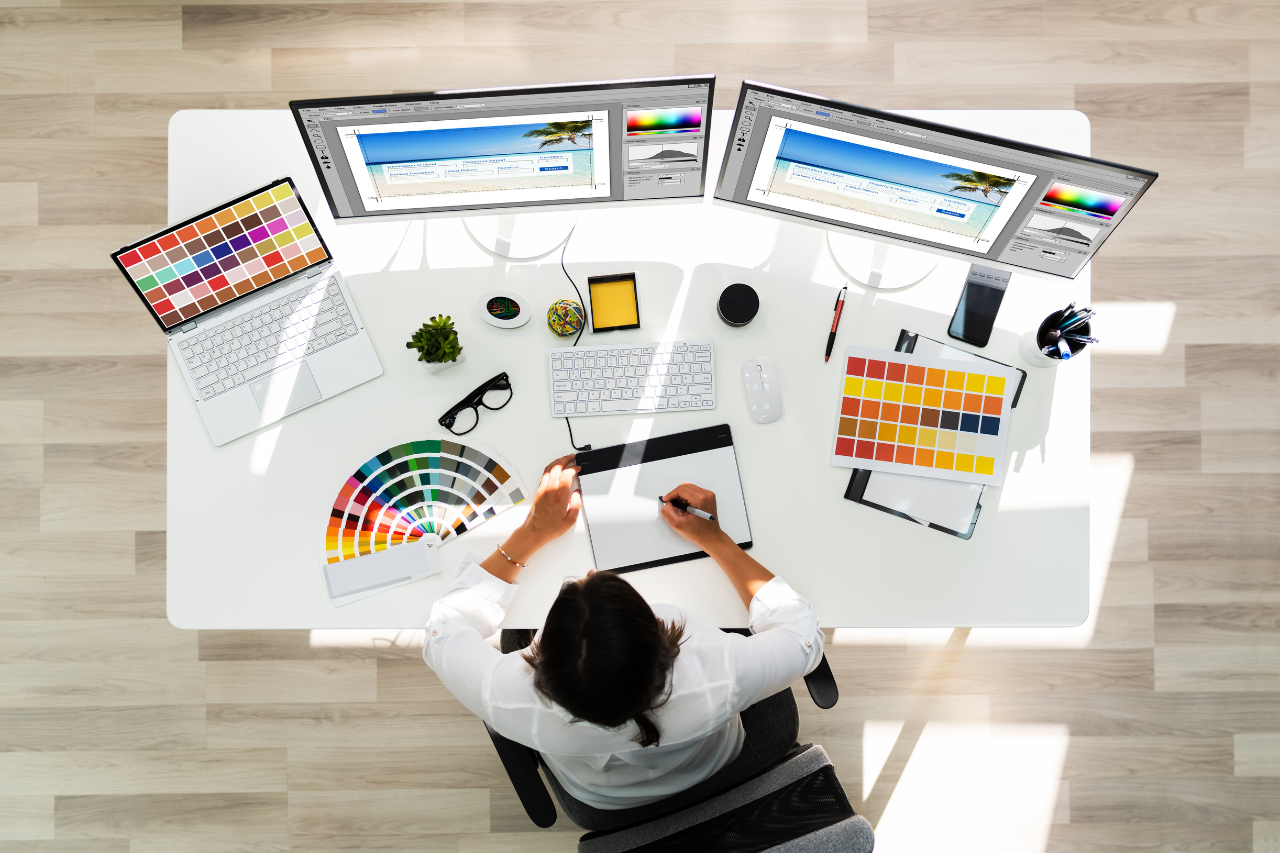
Design used to be a skill reserved for creative professionals, but that’s changed dramatically. In today’s visual economy, every marketer, teacher, or entrepreneur needs to produce compelling visuals—often without a designer’s help. The good news? A new generation of online design tools makes it possible to create sleek, professional-looking content quickly and affordably. Whether you’re building social posts, business cards, or invitations, these tools bridge the gap between inspiration and execution.
Fotor: Quick Editing Meets AI Magic
Fotor is ideal for those who need fast, polished results without a steep learning curve. Its AI-powered tools automate everything from background removal to portrait retouching.
Key features
- One-click photo enhancement and AI background removal
- Collage maker and photo effects library
- Cloud storage for saving and editing projects anywhere
Best for: Social media managers and bloggers who need image consistency across platforms.
VistaCreate: Smart Templates for Every Platform
VistaCreate is a dynamic tool for small businesses and content creators. It offers thousands of templates for marketing materials—Instagram posts, YouTube thumbnails, or ads.
Why users love it
- Vast library of animated and video templates
- Intuitive drag-and-drop editing
- Built-in stock media access
Unique tip: Use its animated text overlays to make social posts pop in the feed.
Piktochart: Transform Data into Design
If your challenge is turning data into something visually digestible, Piktochart is your ally. It’s built for non-designers who want professional-looking infographics and presentations.
What makes it valuable
- Simple infographic and chart templates
- Easy import from spreadsheets
- Branded color palette and logo preservation
Ideal for: Educators, researchers, and business analysts who need storytelling visuals that simplify complex data.
Snappa: Fast Graphics for Content Marketing
When speed matters most, Snappa helps marketers create beautiful visuals in minutes. Its minimalist interface and ready-to-use templates are perfect for those new to digital design.
Highlights
- Pre-set social sizes for every platform
- Large library of royalty-free images
- Direct posting to social channels
Pro Tip: Build a brand kit in Snappa to ensure color and typography consistency across your entire campaign.
Design Wizard: Templates That Scale With You
Design Wizard bridges the gap between professional tools and ease of use. It allows real-time resizing and offers detailed customization for marketing materials.
Why it’s useful
- HD video templates for branded intros
- Resize tool to instantly adapt content for multiple platforms
- Custom color palettes for brand coherence
Best for: Start-ups and freelancers who want agency-level design without agency-level costs.
Desygner: Design Collaboration Simplified
With Desygner, teams can work collaboratively without professional software. Its version control and editable templates make it ideal for brand managers maintaining consistent visuals.
Advantages
- Real-time collaboration and shared brand assets
- Multi-format exports (PDF, PNG, MP4)
- Legal use rights for stock photos
Pro Tip: Use the mobile app for last-minute edits right before a client meeting or social post deadline.
✏️ FAQ: Invitation Design and Printing Services
Design tools have made it possible for anyone to create polished invitations—no formal design experience required. This FAQ helps non-designers choose the right platform by focusing on what matters most: easy-to-edit templates, simple text and color controls, reliable print quality, and “all-in-one” services that handle both design and printing. Whether you’re making wedding invites, a birthday announcement, or a business event card, these quick answers will help you pick a beginner-friendly option that looks professional and feels stress-free from first draft to final print.
1. Which platforms offer the best variety of invitation templates?
For those looking for maximum creative flexibility, Adobe Express provides an exceptional range of free printable invitation templates for every occasion—from weddings to corporate events. You can edit colors, text, and photos in seconds, ensuring each design reflects your style.
2. What services produce the highest-quality printed invitations?
Premium print providers like MOO and Vistaprint offer exceptional print quality with options like textured paper and foil finishes. Both provide precise color accuracy and fast shipping.
3. Are there platforms that combine both design and printing?
Yes. Shutterfly, Zazzle, and Minted integrate design tools with professional printing. You can create, proof, and print directly from their online editors, saving time and ensuring alignment between digital and print output.
4. What’s the best value-for-money service for invitations?
If budget is key, Vistaprint delivers affordable, professional invitations without compromising quality. Regular discounts and template variety make it a strong choice for personal and business events.
5. Who offers the most luxurious invitation finishes?
For high-end materials, Minted is unrivaled. With options like letterpress, gold foil, and recycled cotton paper, it’s the go-to platform for elegant, premium invitations that make a lasting impression.
The era of needing a professional designer for every creative task is over. Today’s tools empower anyone to translate ideas into visually striking results—whether for business or personal use. From all-in-one platforms like Adobe Express to specialized options like Piktochart, every user can now produce work that’s polished, persuasive, and performance-ready. In short, design no longer requires permission—just the right tool. Choose the platform that fits your goals, experiment boldly, and watch your creative confidence soar.
